Signups
Self-serve requests appear here from the moment someone starts a free trial until they verify their email or the link expires. Blocking stops an address from starting another signup.
Choose Signups in the sidebar. Every self-serve request is listed with the person, their company, whether the email is a work, personal or disposable address, and its status.
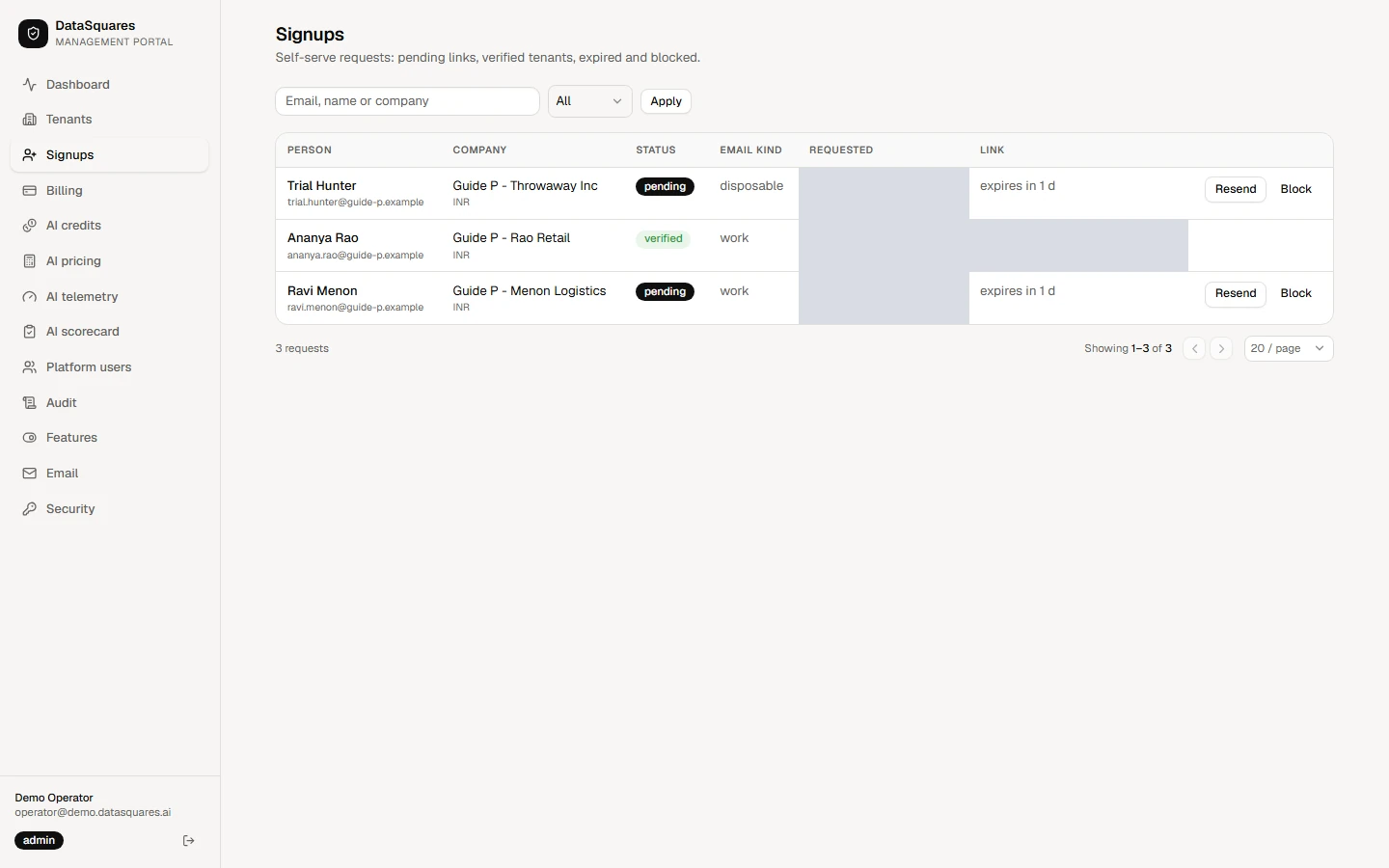
Filter by status (All, Pending, Verified, Expired or Blocked), or search by email, name or company, then choose Apply. Resend sends a pending person a fresh verification link.
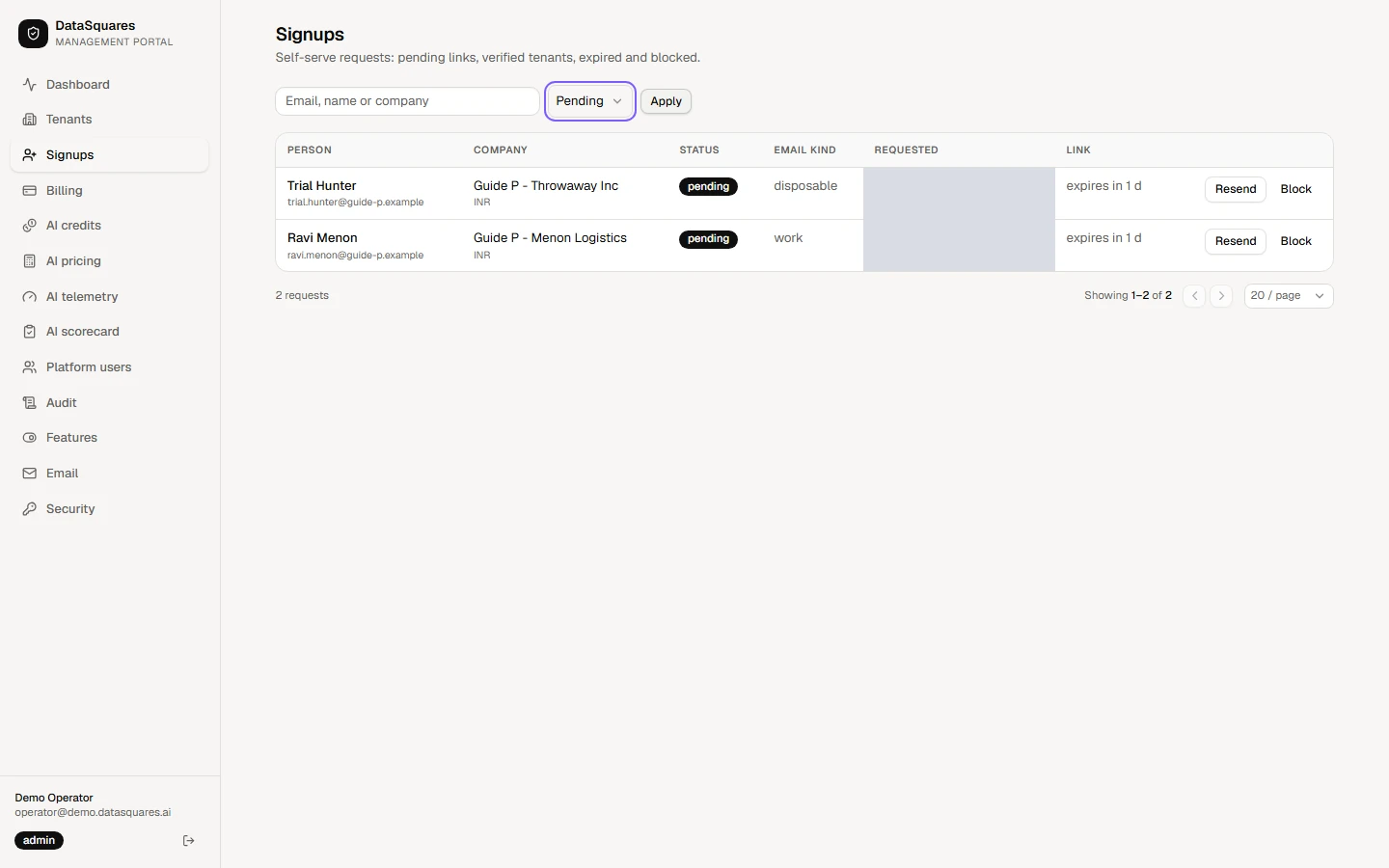
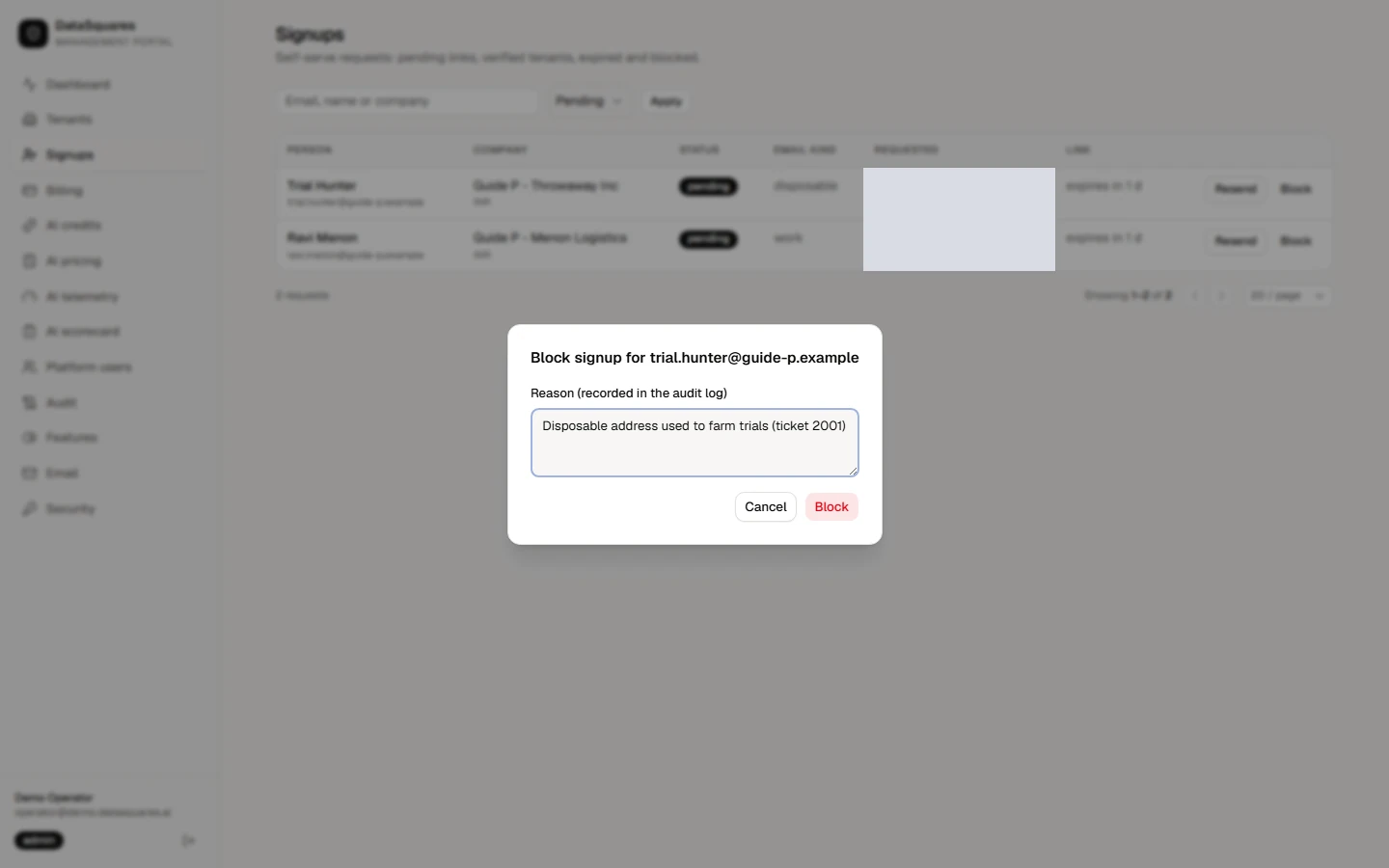
Choose Block on a request that looks abusive, give a reason, and confirm. The address can no longer start a signup.
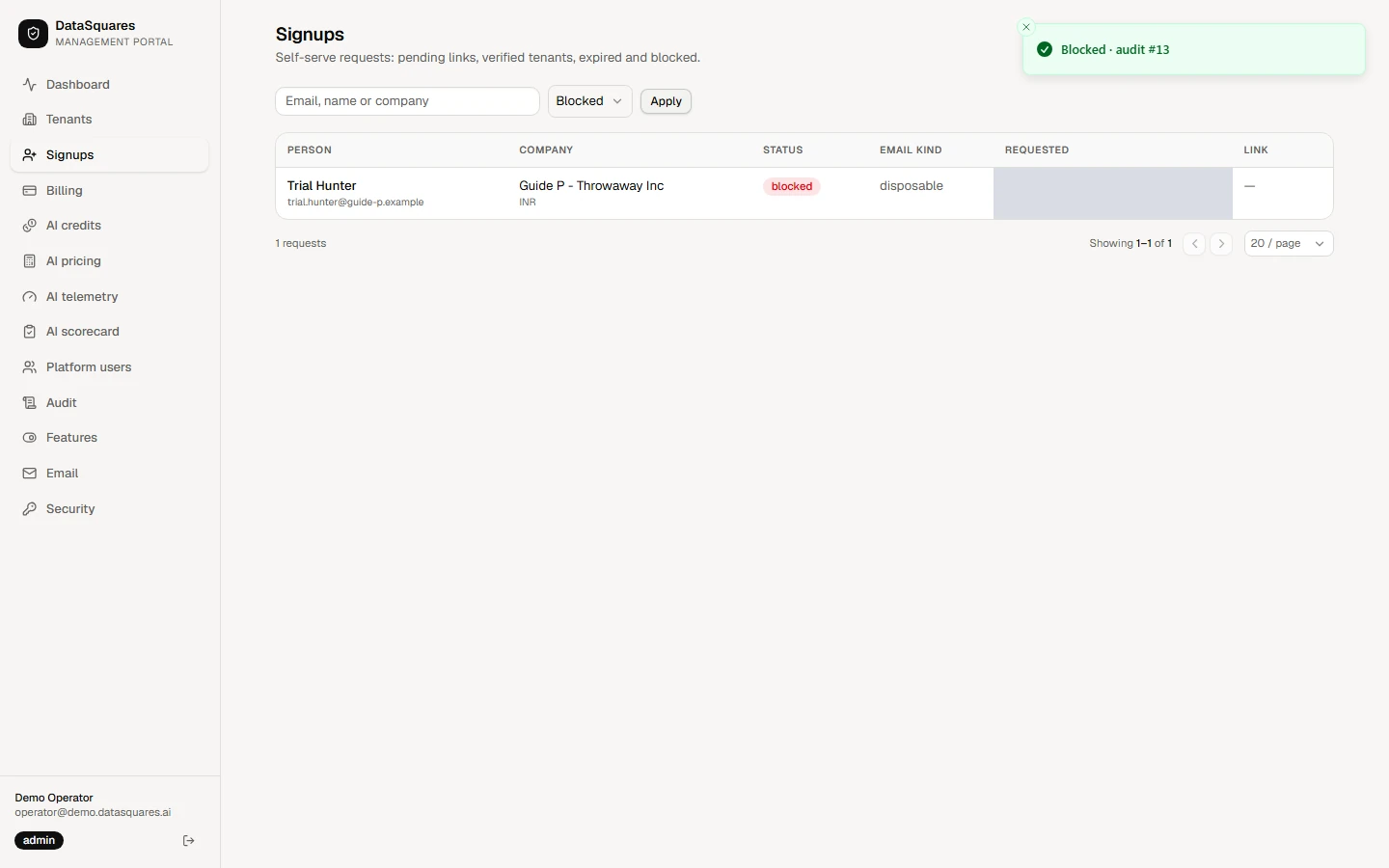
The request now shows as Blocked. Choose Blocked in the status filter to see everything you have blocked.