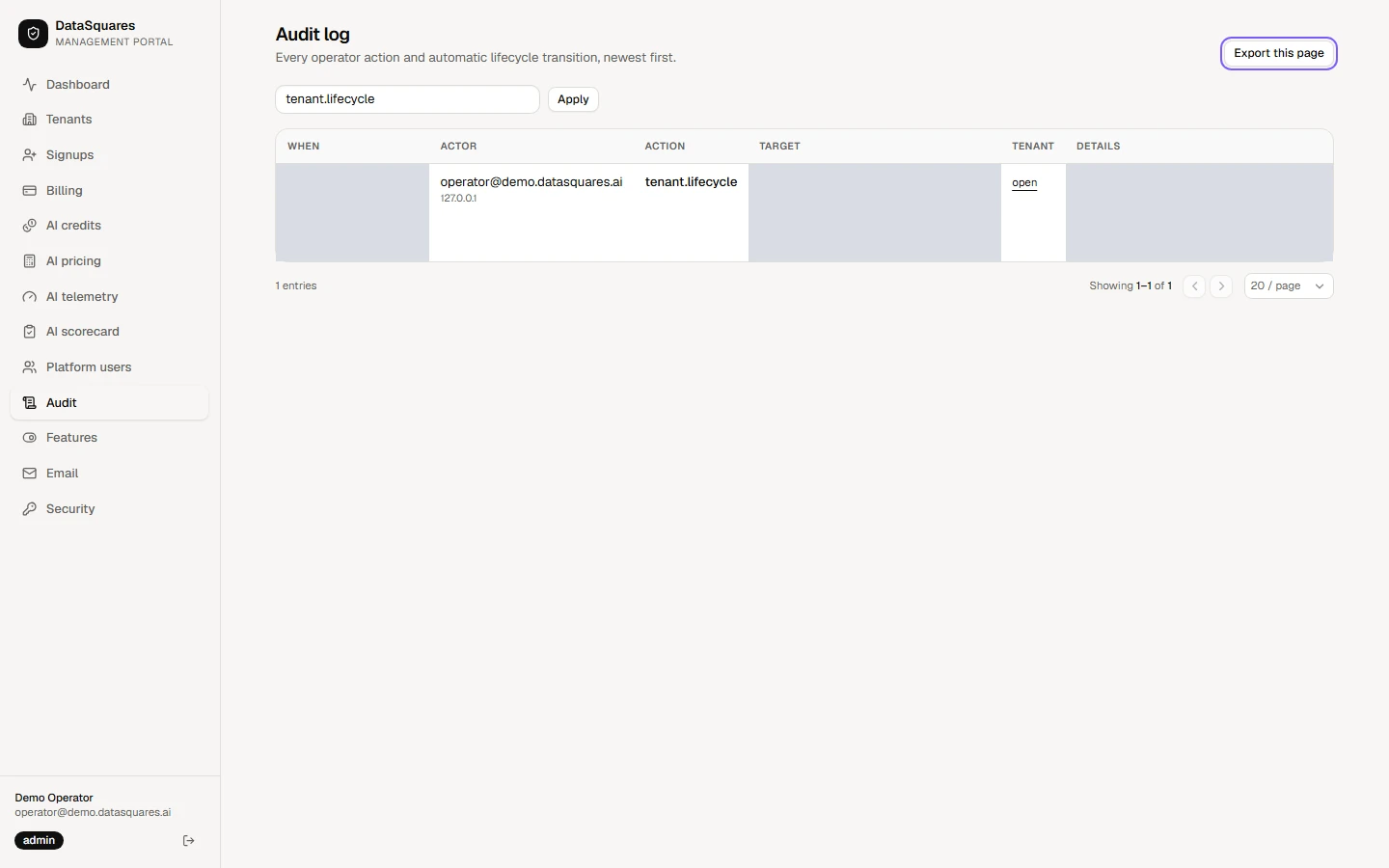
Portal audit log
The portal audit log is separate from a workspace’s audit log. It records what operators do to tenants, not what tenants do in their workspaces.
Choose Audit in the sidebar. Every operator action and automatic lifecycle change is listed newest first: when, who, what, the target, the tenant it touched and the details, including the reason the operator gave.
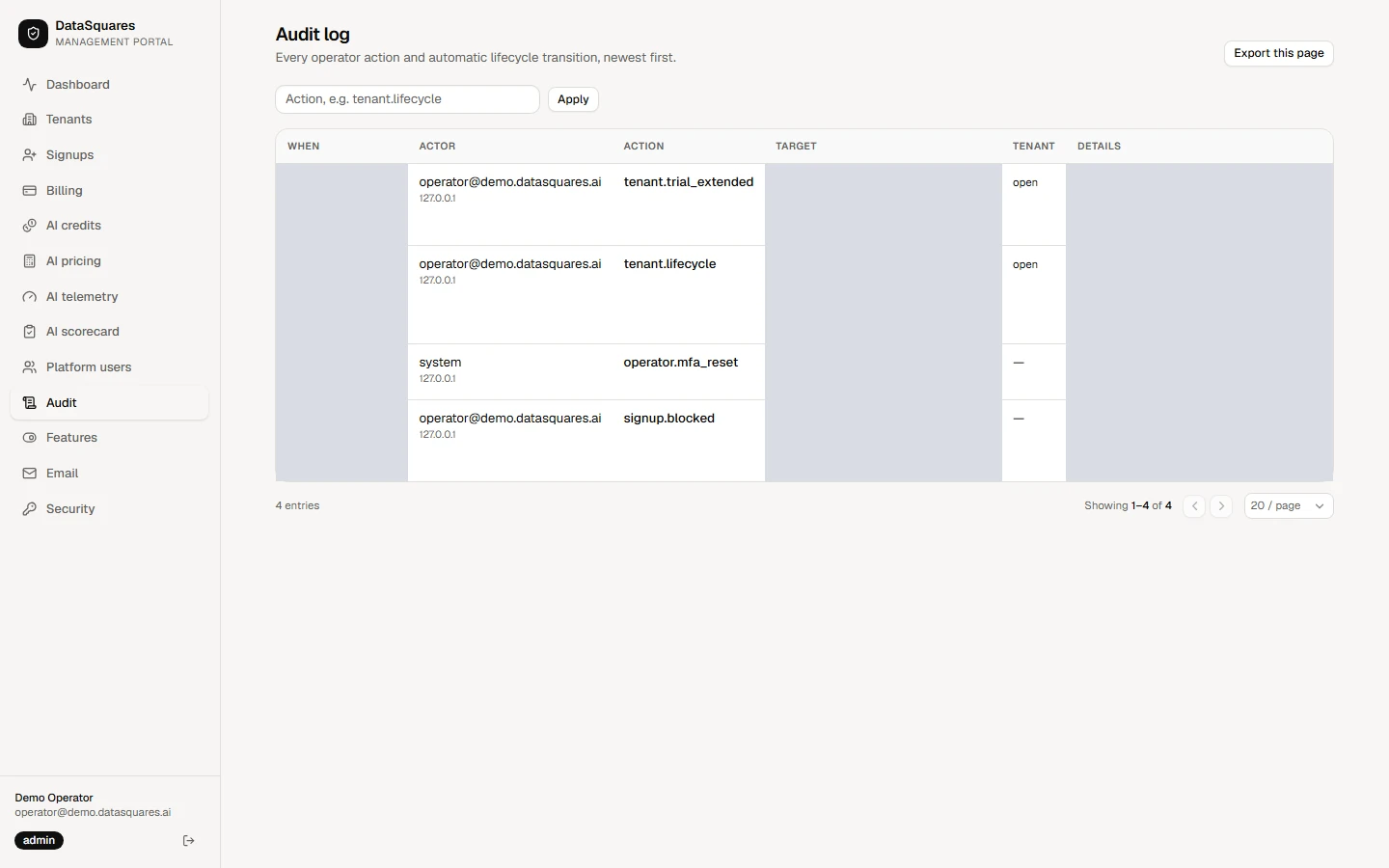
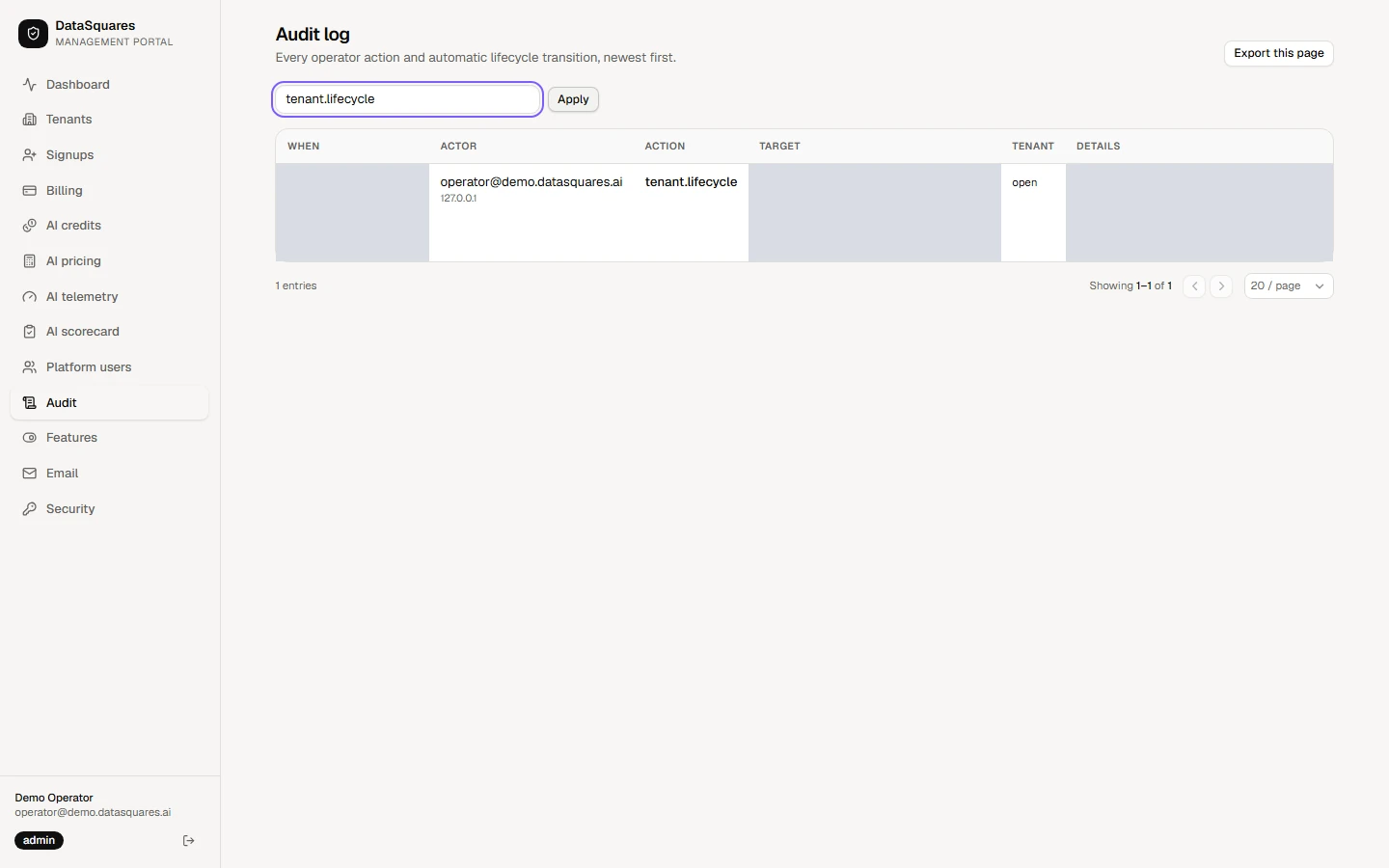
Type an action, such as tenant.lifecycle, and choose Apply to see only those entries. Open beside an entry jumps to the tenant it changed.
Export this page, at the top right, downloads the entries on screen as a CSV file for your records.