AI credits and pricing
Customers only ever see credits. The portal shows what a request costs in real terms, and the margin each rate earns at pack prices.
AI credits across tenants
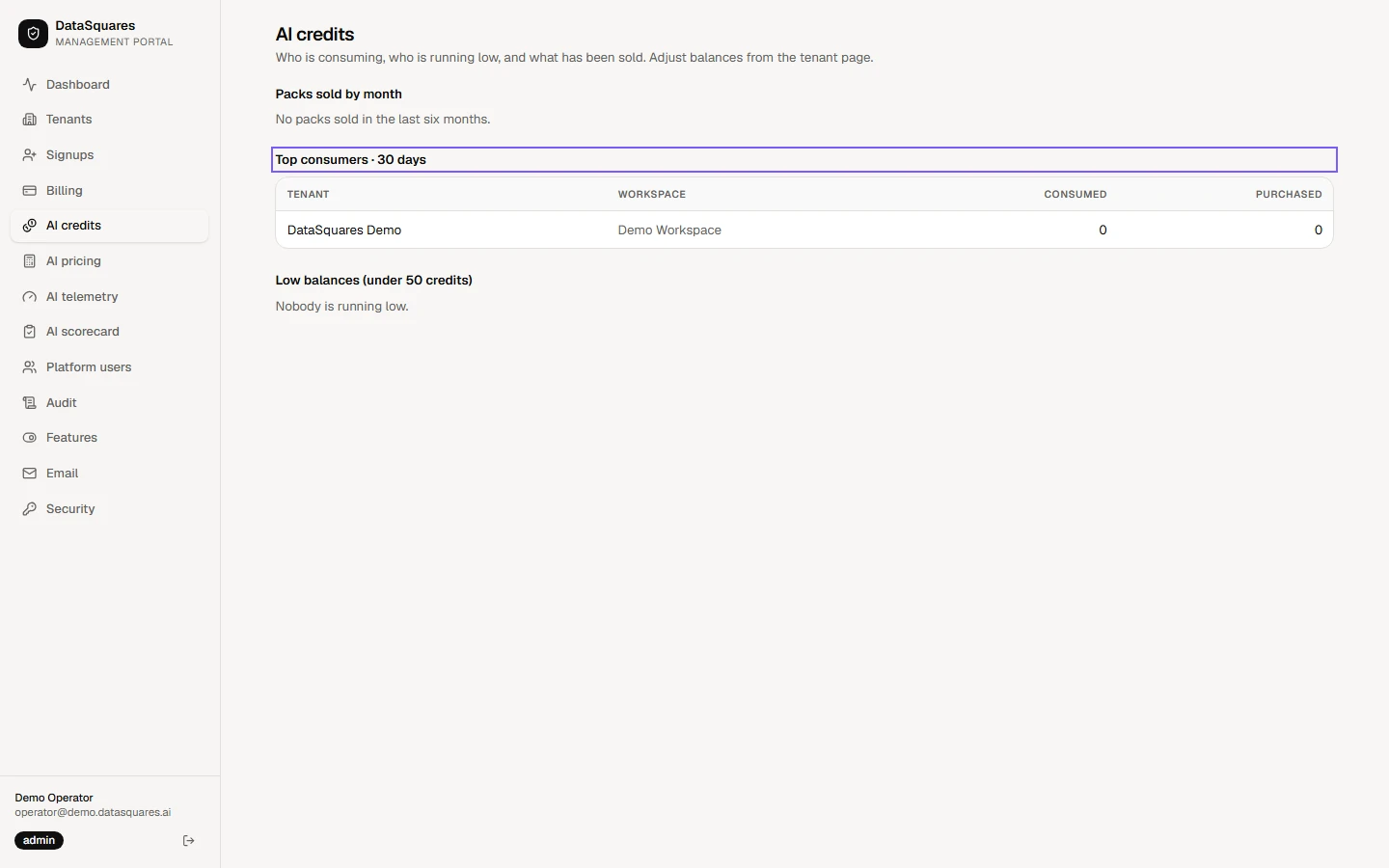
Section titled “AI credits across tenants”Choose AI credits in the sidebar. Packs sold by month shows top-up sales, and Top consumers lists each tenant and workspace with the credits it has consumed and purchased in the last 30 days.
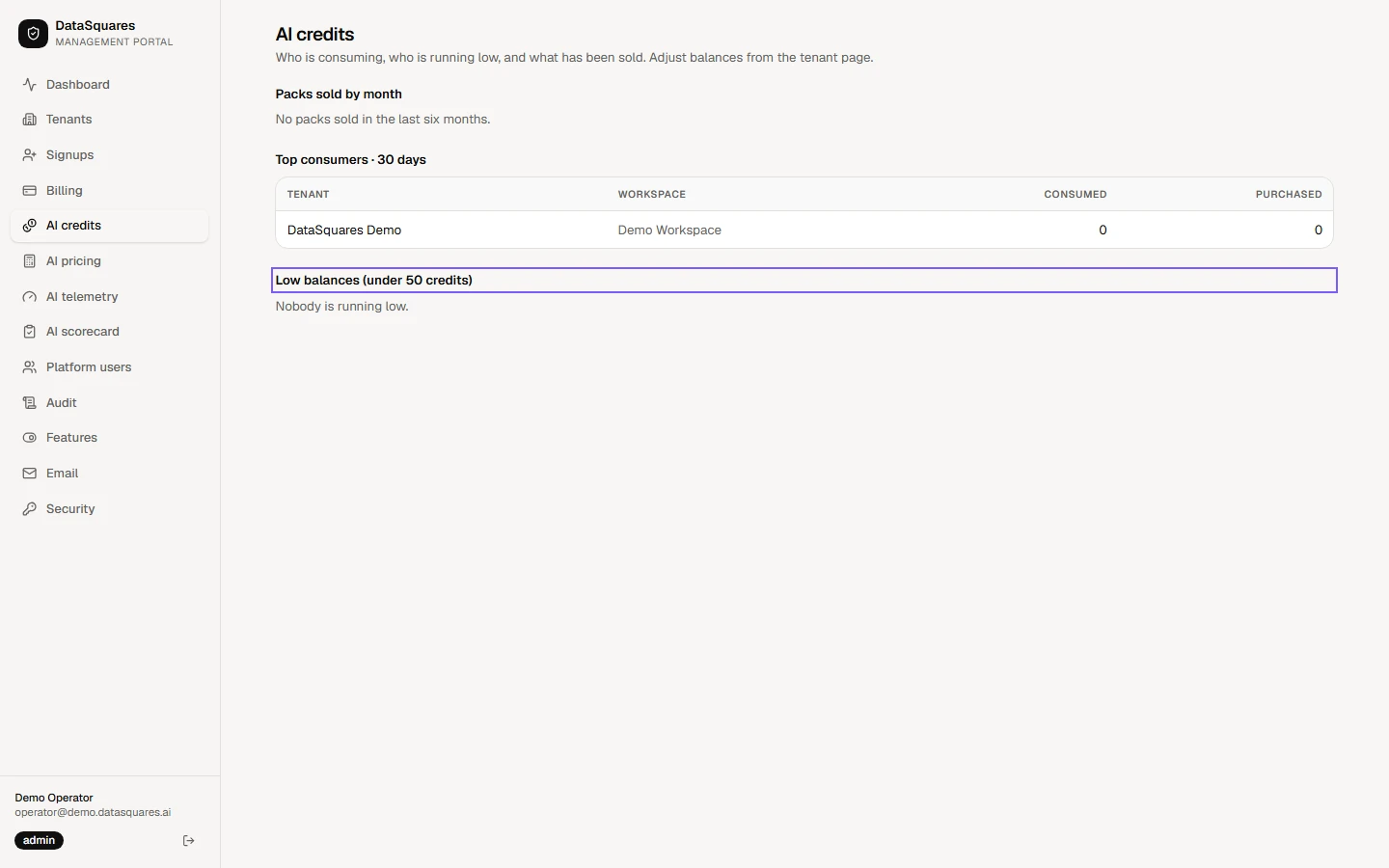
Low balances lists every workspace under 50 credits, so you can reach out before AI stops for them. "Nobody is running low." is the healthy answer. To change a balance, open the tenant and use Adjust credits.
The rate card
Section titled “The rate card”Rates and multipliers apply to the whole platform, so read the rate history before you edit one.
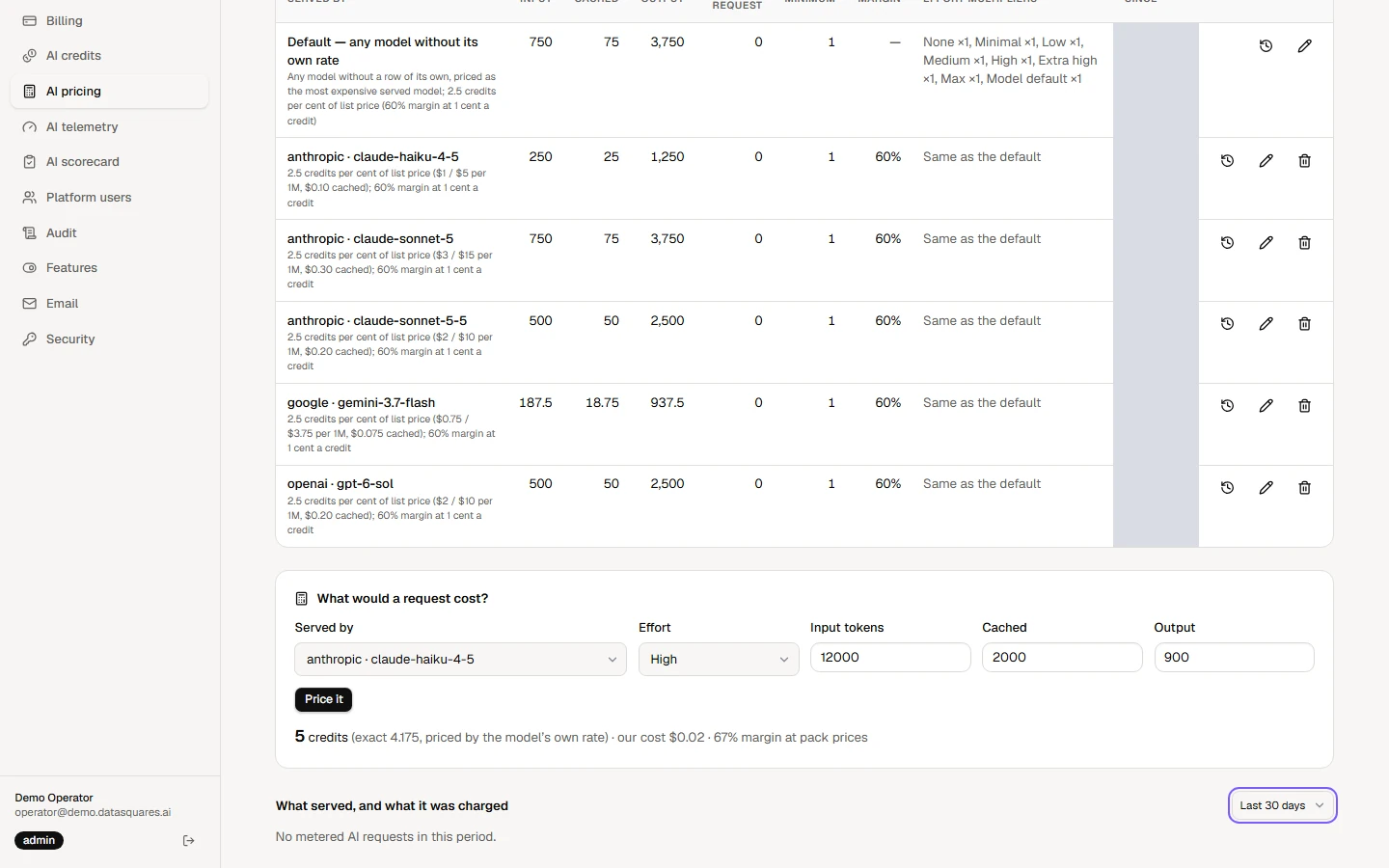
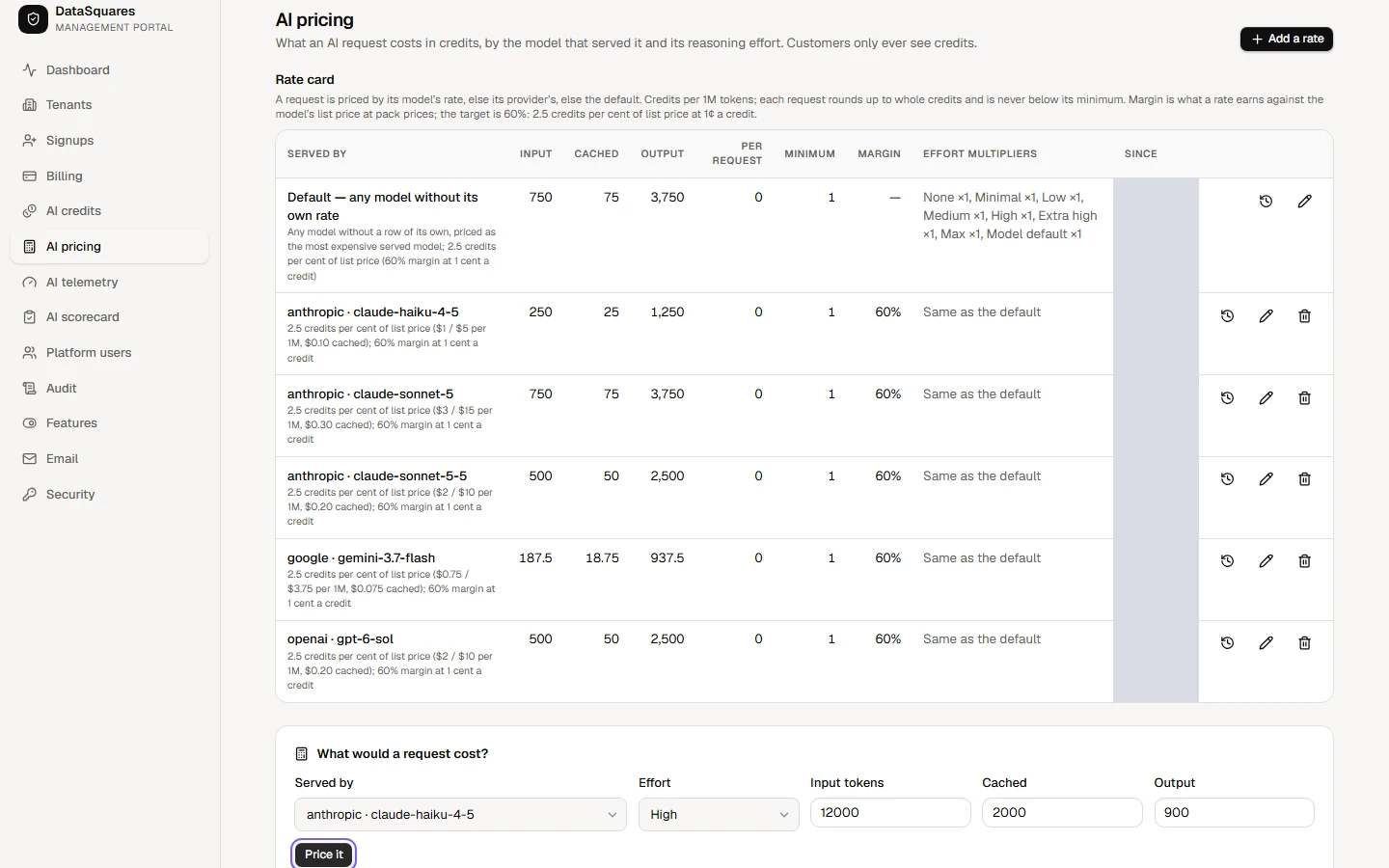
Choose AI pricing in the sidebar. The rate card prices a request by the model that served it: input, cached and output rates per million tokens, the minimum credits per request, and the margin each rate earns at pack prices.
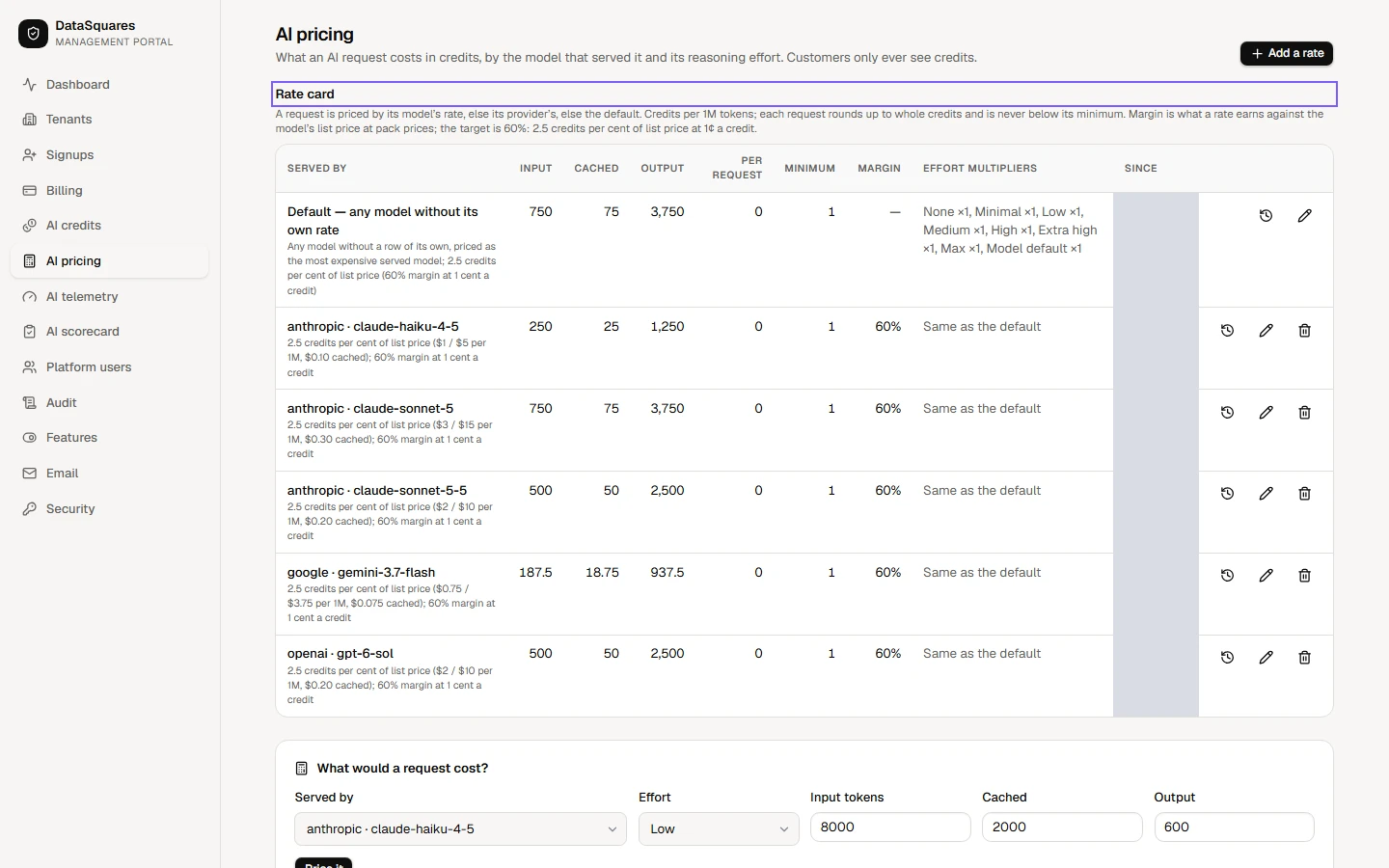
Price it answers "what would a request cost?". Pick the model and the effort, enter the tokens, and see the credits charged and the margin at pack prices before you change a rate.
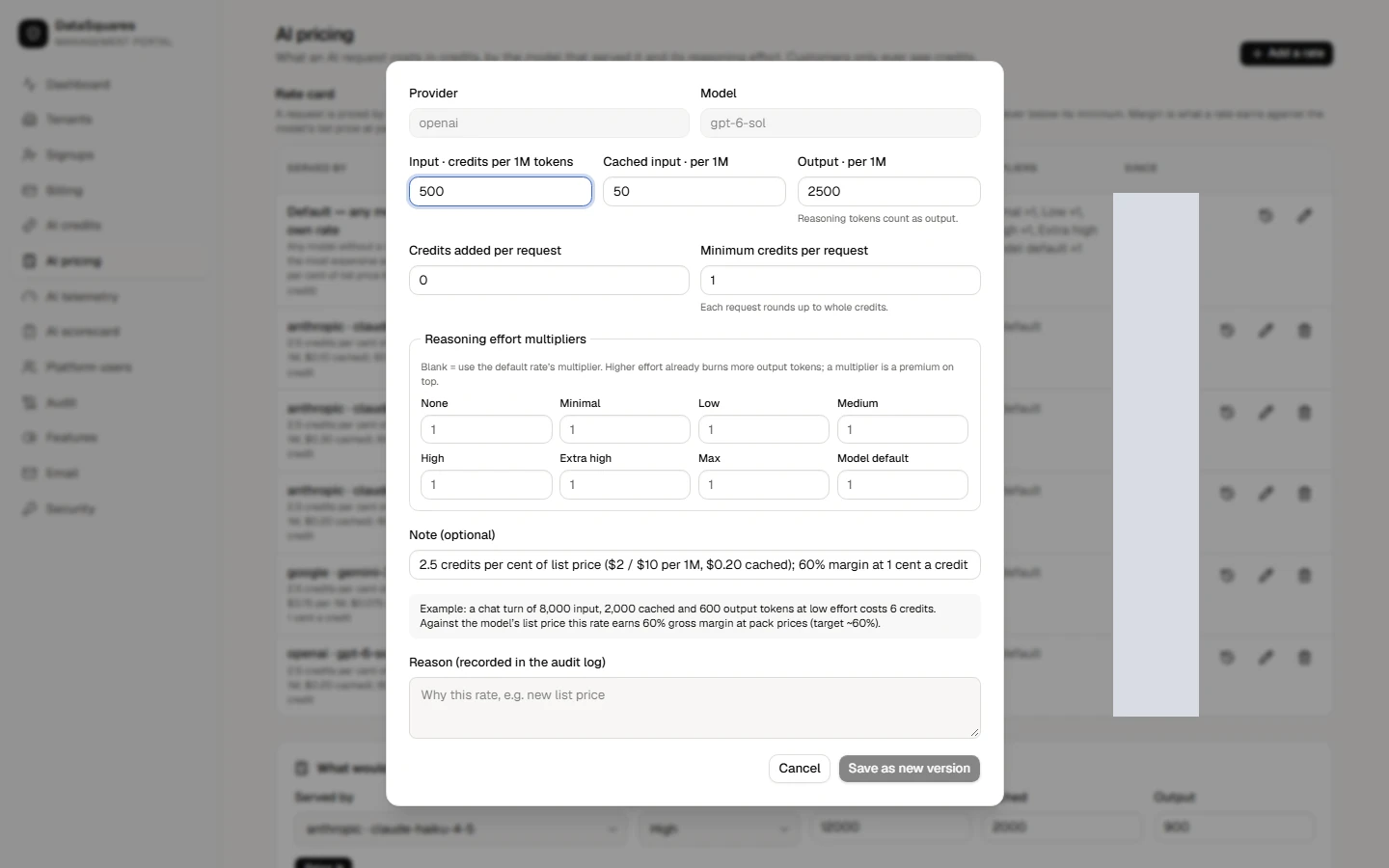
Choose the pencil on a rate to edit it: its prices, its minimum and the Effort multipliers, which scale the charge up or down for each reasoning level. Every change needs a reason and is kept in the rate history. Cancel here to leave the rates as they are.
Further down, "What served, and what it was charged" shows real traffic for the period you choose, and, once there is traffic, Latest requests lists individual requests with the model, the effort and the credits charged. A local install has no AI traffic, so nothing is listed here.