Sign in to the management portal
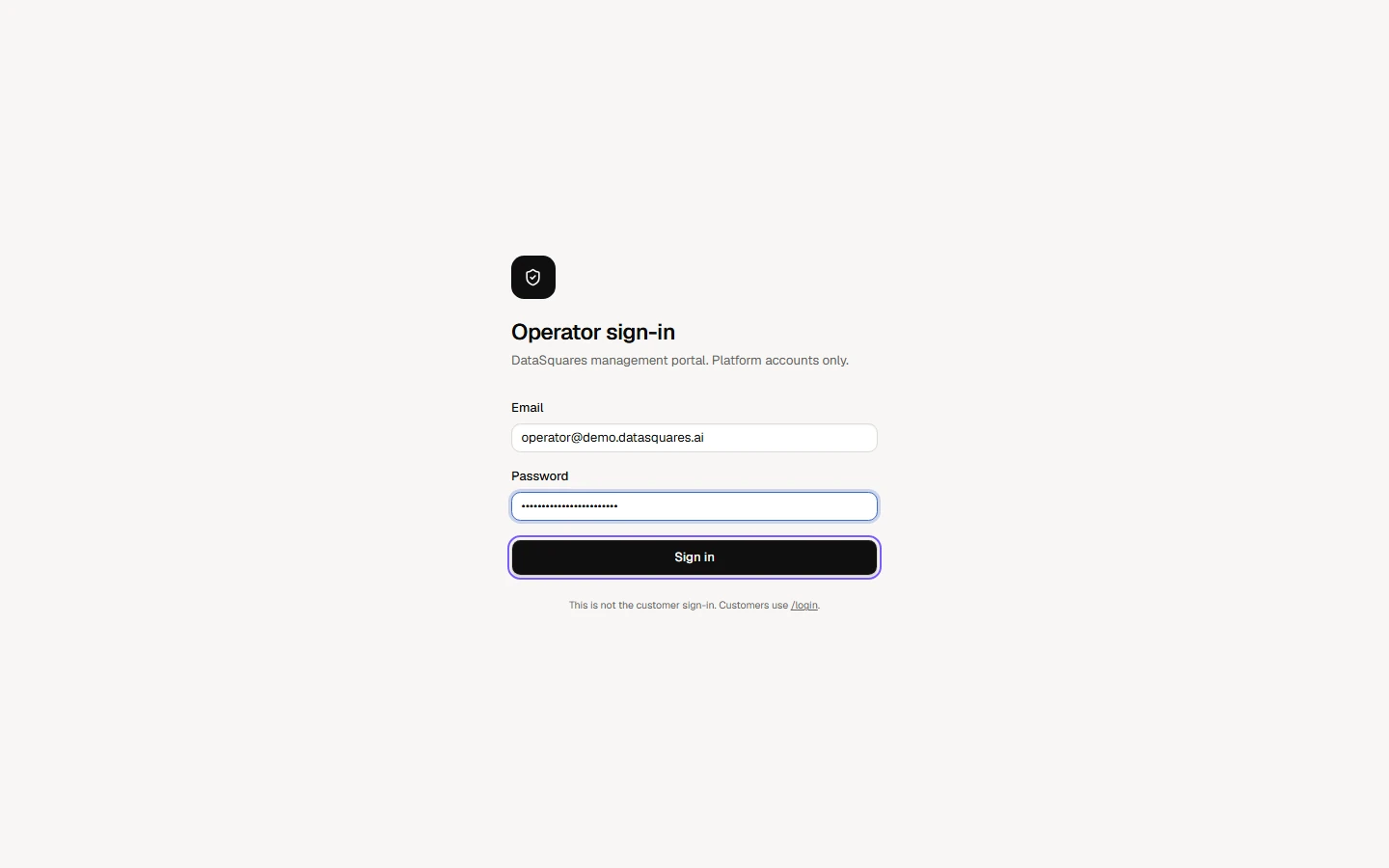
Operators sign in at /platform/login, not on the customer sign-in page. Enter your operator email and password. If two-factor is switched on for your account you are then asked for the six-digit code from your authenticator app. Set it up under Security.
Open the management portal at /platform/login. Enter your operator Email and Password, then choose Sign in. Operator accounts are separate from workspace accounts.
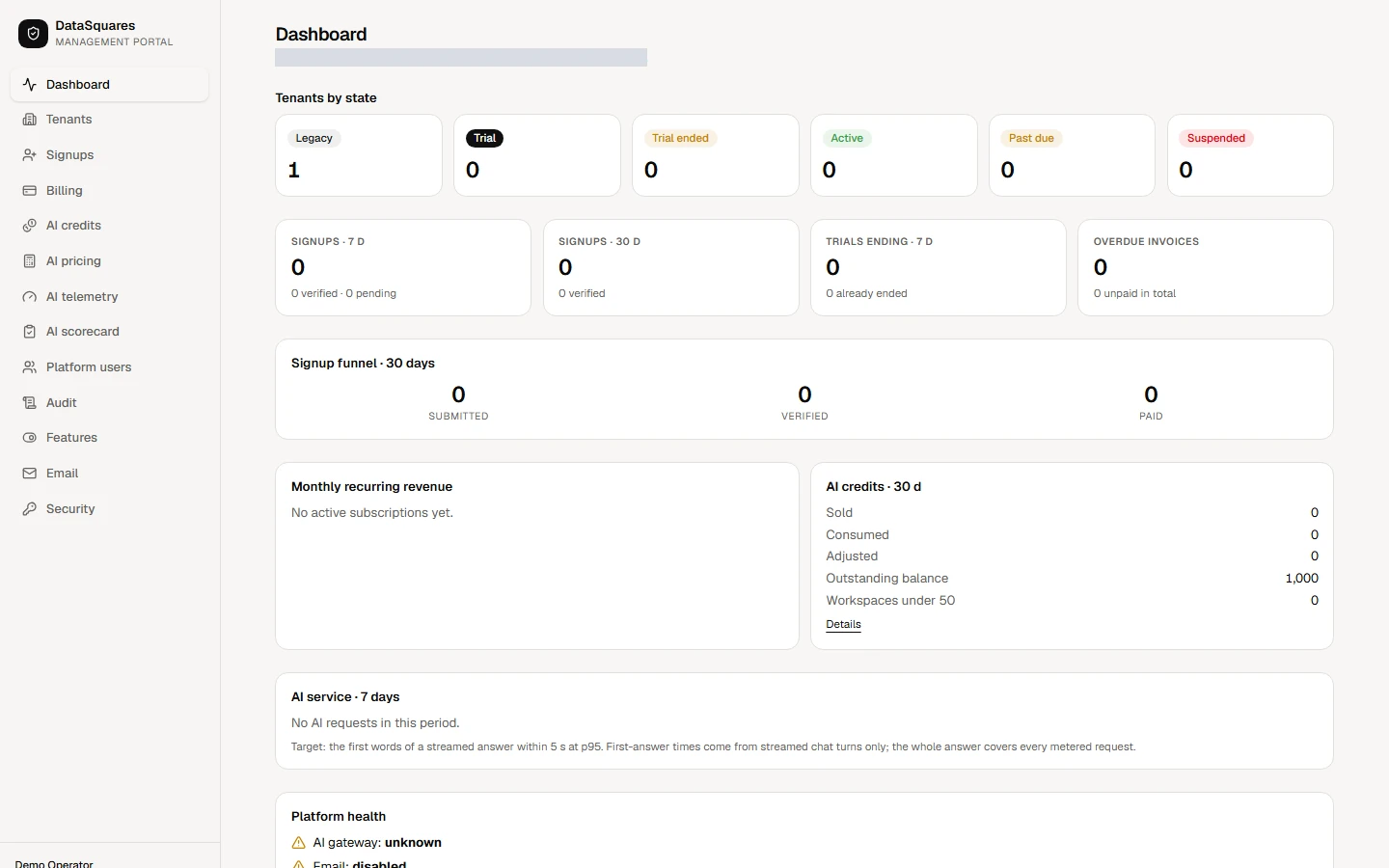
If two-factor is switched on for your account, the portal asks for the six-digit Two-factor code from your authenticator app first. After that the portal opens on the Dashboard.