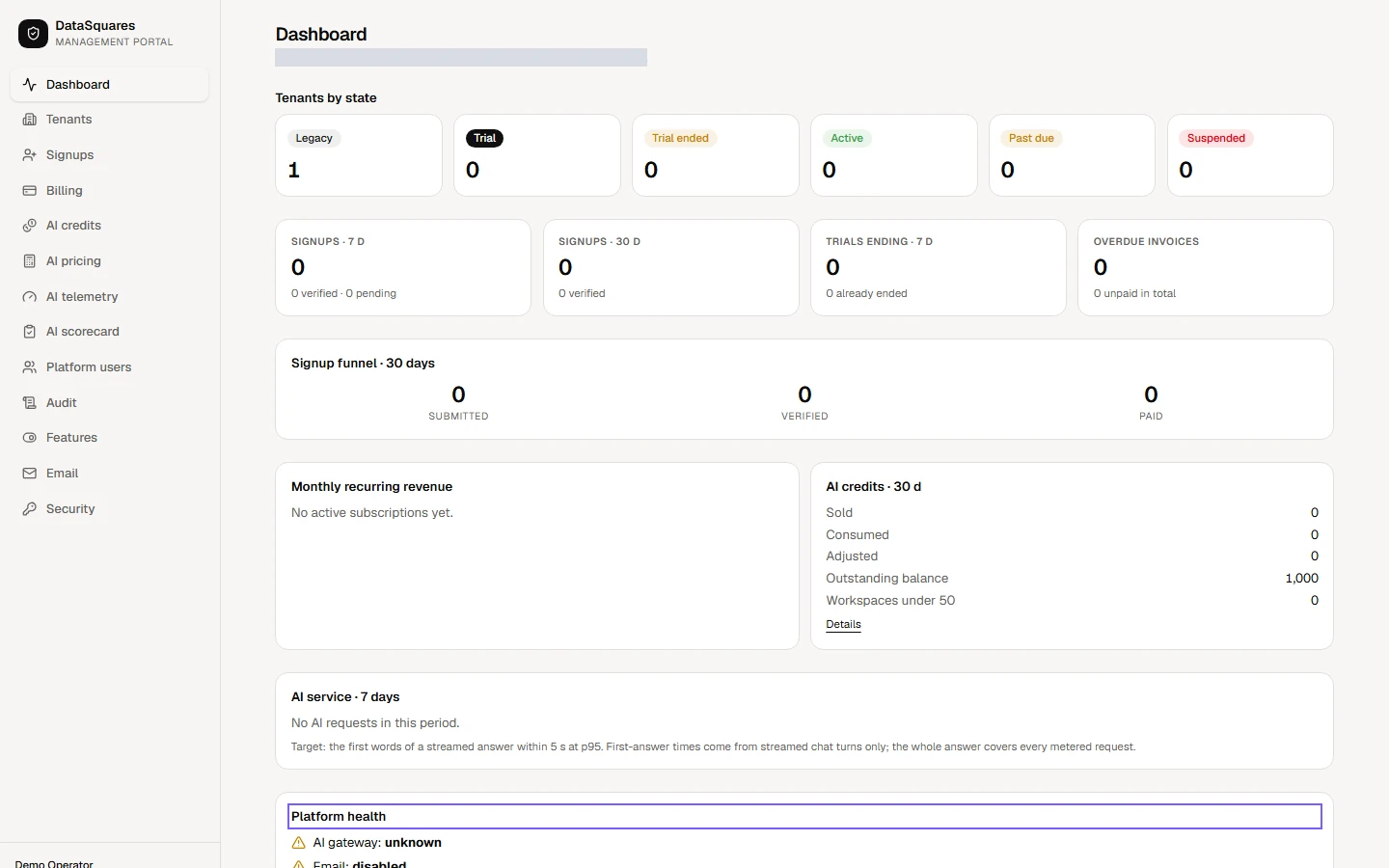
Platform dashboard
The dashboard is the first page after sign-in. Use it to spot what needs attention today, then follow a Details link to the section behind a number.
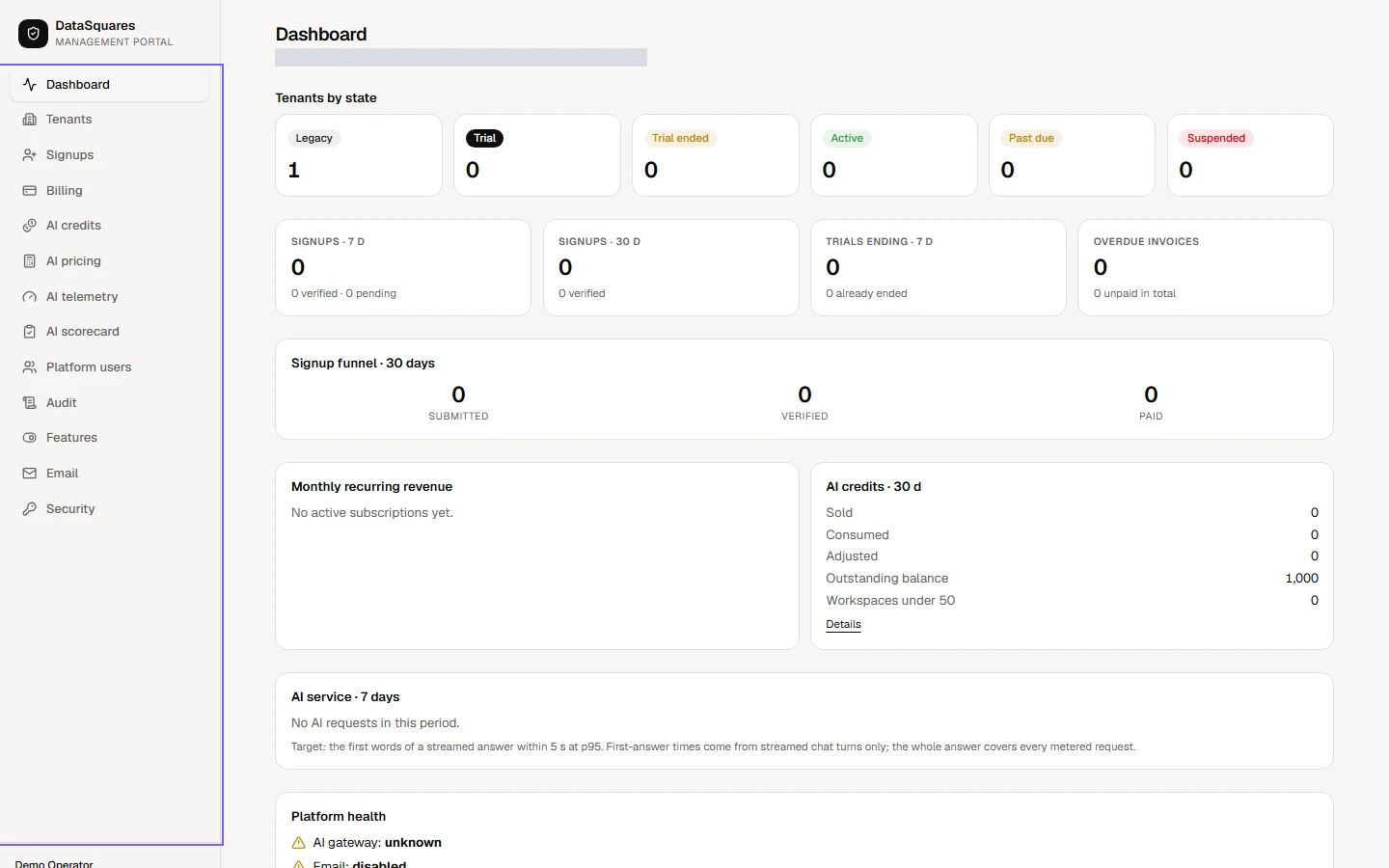
The sidebar lists every section of the portal. The Dashboard summarises every tenant at a glance: how many are in each state, and the signups, trials ending and overdue invoices that need attention.
Monthly recurring revenue and AI credits (sold, consumed, adjusted and still outstanding) sit side by side. Choose Details to go to that section.
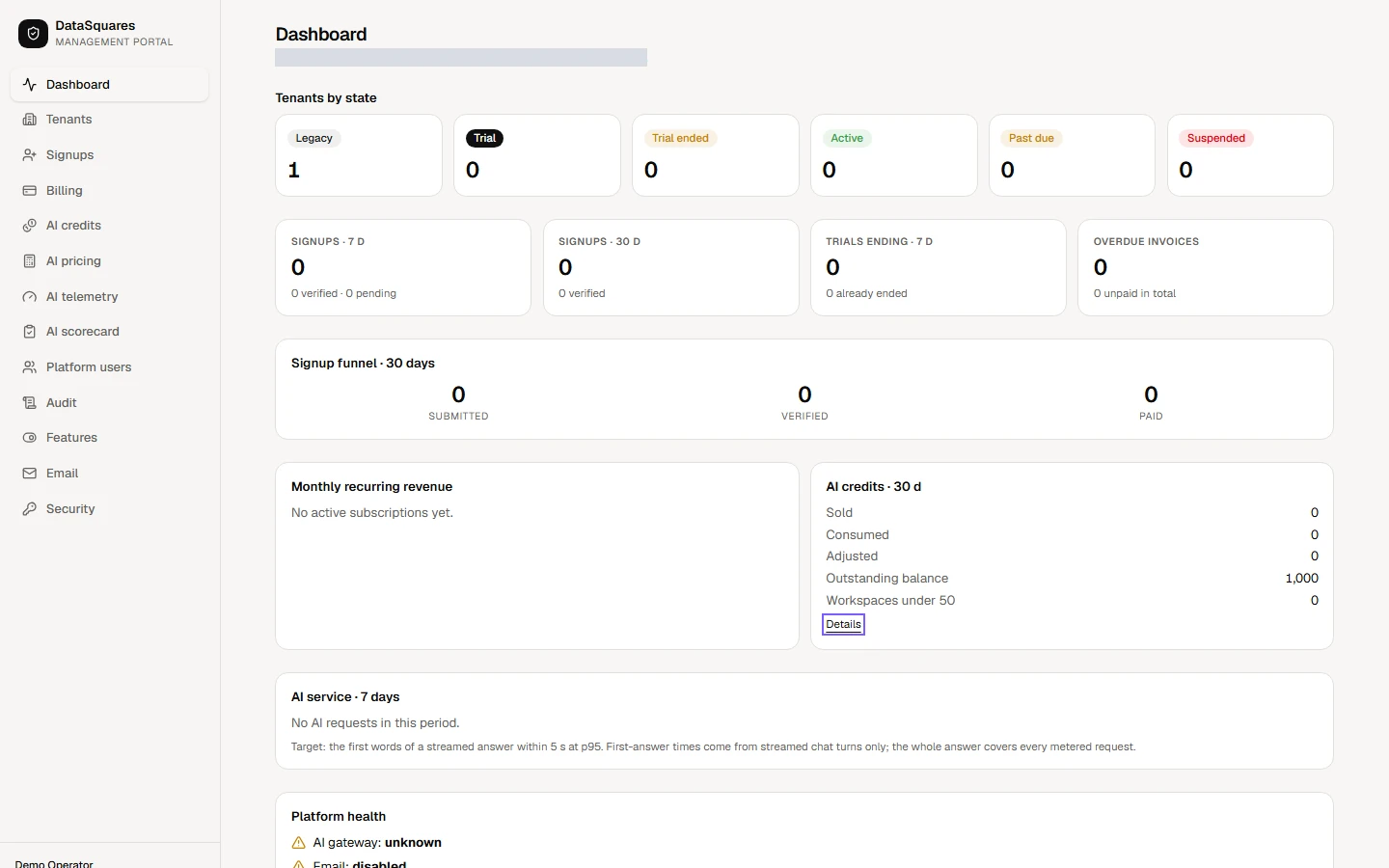
At the foot of the page, AI service shows how fast answers start, and Platform health shows whether the AI gateway and email delivery are working. A warning here is the first thing to look at when customers report problems.