Quickstart
This guide takes you from signing in to a shared dashboard in one sitting. You’ll need a DataSquares account and credentials for a database you can read from — or just a CSV/Excel file if you’d rather start without one.
-
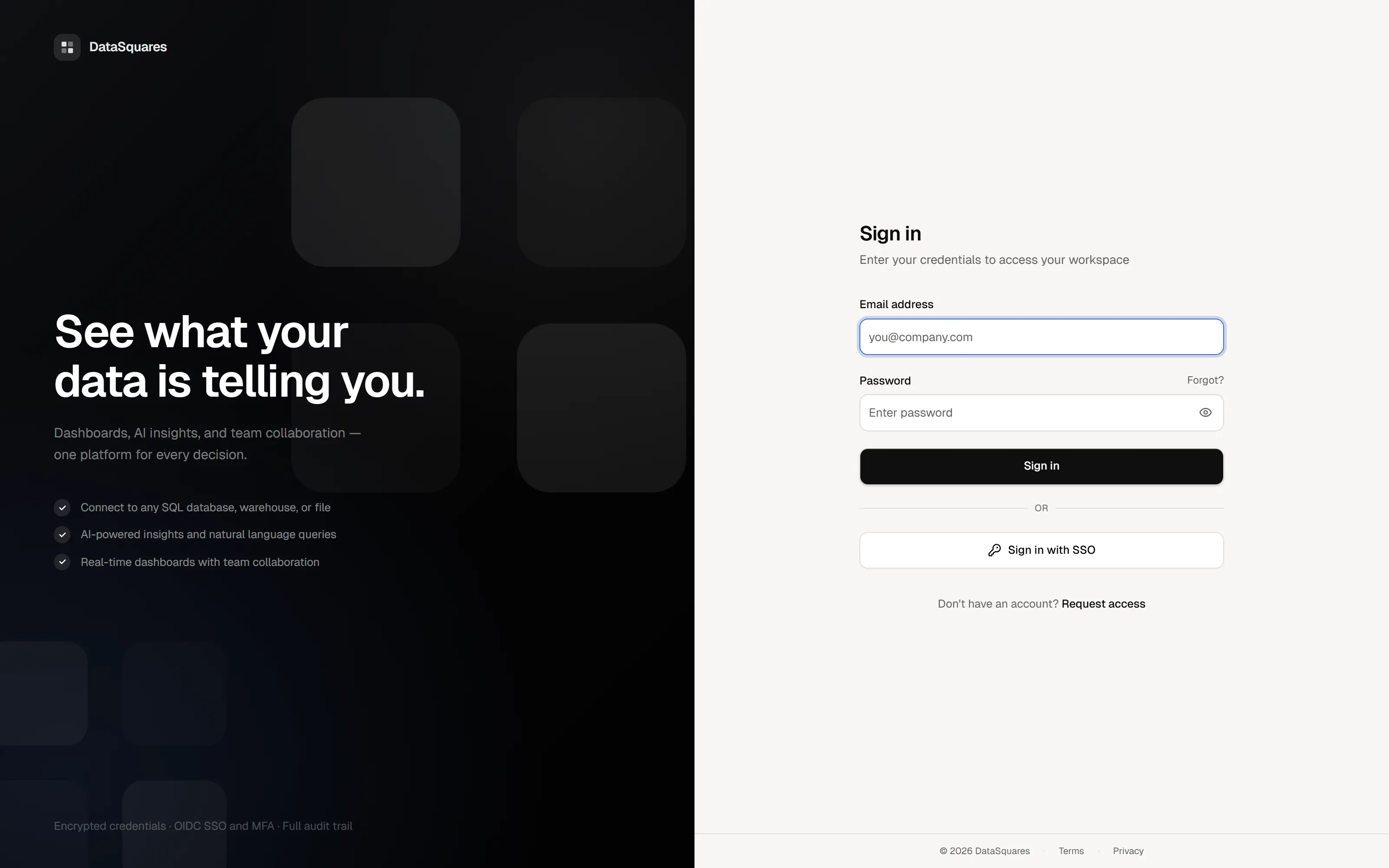
Sign in and pick your workspace.
Everything in DataSquares — data sources, models, dashboards — belongs to a workspace. If you were invited by a teammate, accept the invite and you’ll land in theirs; otherwise the setup wizard walks you through creating your own.
-
Connect a data source.
Open Data Sources and add a new connection. The connector picker shows everything DataSquares can talk to — search or browse by category. For a classic database you’ll enter host, port, database name, and credentials; cloud warehouses like Snowflake or BigQuery have their own short forms. Test the connection and save.
-
Model your data (optional but recommended).
Under Data Models, create a model from your new source: pick tables, define relationships between them, and add calculated fields or SquareX measures. A model gives every dashboard built on it a consistent, reusable foundation. In a hurry? You can skip this and build straight against tables.
-
Create a dashboard.
Create a new dashboard and you’re on the canvas. Add a card, choose a chart type, and drag fields from your model onto it. Cards move and resize freely; add filters to let viewers slice the data. The format panel on each card controls colors, labels, axes, and more.
-
Make it yours.
Apply a theme — one of the built-ins, your workspace default, or a custom theme — and check the mobile layout if your audience reads dashboards on their phones.
-
Share it.
Share the dashboard with workspace members, or publish a view-only share link for people outside the workspace. Need it in a deck? Export to PDF, PPTX, or PNG.
Where to go next
Section titled “Where to go next”- Core concepts — the object model behind everything you just touched.
- Connect your data — browse connection guides for databases, warehouses, and files.
- SquareX guide — master formulas, context transitions, and time intelligence.
- Early access programs — check out preview features like Pipelines, Warehouse, Studio, and Mobile.